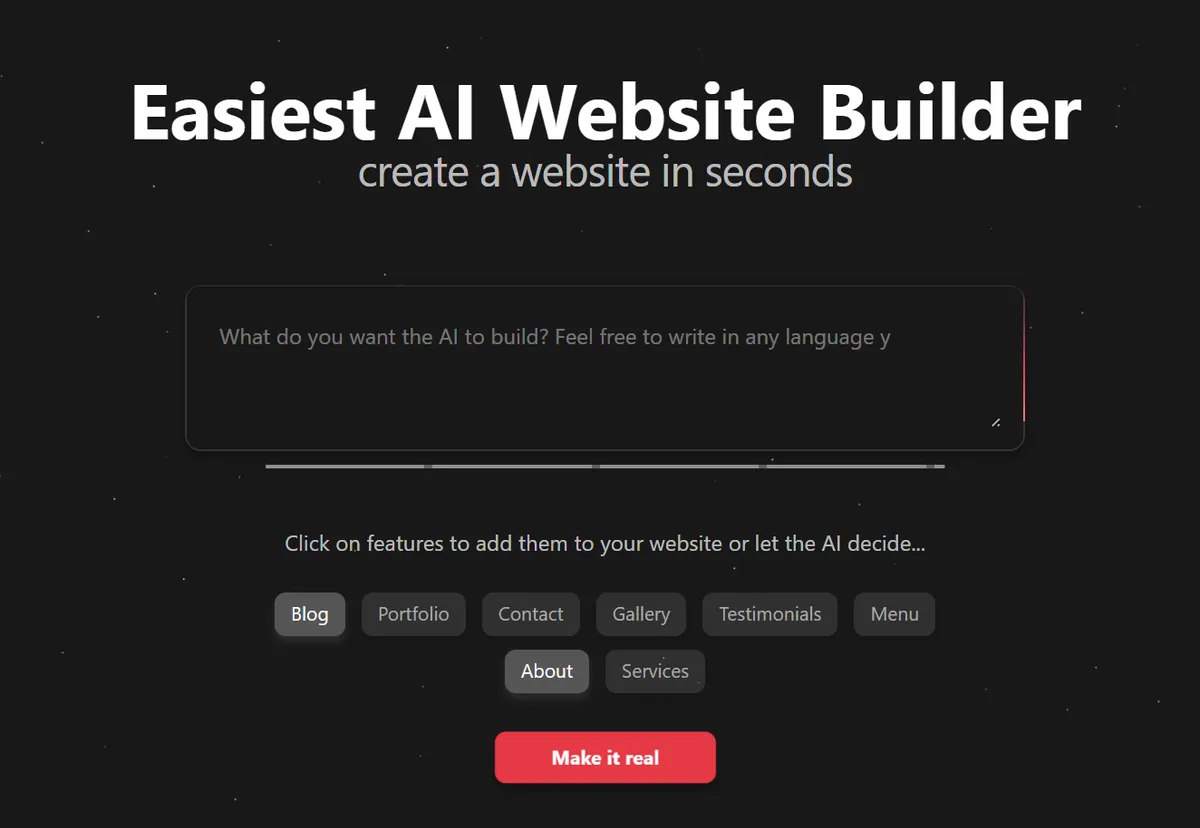
Most popular website builders Vs Instago
Choosing the right website builder can be challenging for anyone who wants to make a presence online. Features, templates, pricing and mostly ease of use - all of these aspects matter. Your decision should be based on strong experience with website builder and functionalities they offer.
To help you with that, in this article, we will compare three most popular tools: Wix, Squarespace and Wordpress, and introduce Instago, a modern AI Website Builder that combines their strengths.
While most website builders offer free plans, they often come with limitations, like blocked publishing, limited design flexibility, or no direct customer support. Premium plans unlock the real power of the tool, but you have to pay in advance to know if a platform is right for you.
Not all website makers are created equal. Some prioritize sleek design templates, others focus on advanced customization or strong e-commerce tools. Your decision should ultimately be guided by hands-on experience with a platform and the functionalities it offers to meet your specific needs — not just by marketing promises.
AI website makers - free plan features comparison.
To help you navigate the decision, in this article we will compare three of the most widely used tools: Wix, Squarespace, and WordPress, and introduce our own Instago.
We will start by looking at free plan features. Below you will find a table, comparing code features of Wix, Squarespace, WordPress, and our - Instago, focusing on what is included in their free versions.
Platform Overviews
Wix: Known for its beginner-friendly drag-and-drop editor and extensive template library, Wix offers a very flexible free plan with up to 100 pages and the ability to publish without a custom domain. However, the free plan includes Wix branding and limited direct support.
Squarespace: Offers beautifully designed templates and powerful customization but only allows a 14-day free trial without publishing capabilities, making it more suitable for users ready to upgrade quickly.
WordPress.com: Great for bloggers and content creators wanting unlimited pages and a large selection of themes, though free plans include WordPress branding and limited direct support.
Instago: A newer platform emphasizing AI-powered editing and dynamic layouts, ideal for users who want a simple yet innovative website builder with direct human support even on free plans.
Free plan features | ||||
Feature | Wix | Squarespace | Wordpress.com | Instago |
Free plan duration | unlimited | 14 days | unlimited | unlimited |
Website publishing | can publish without custom domain | cannot publish | can publish without custom domain | can publish without custom domain |
Customer support | basic support, slow response | bot | no direct customer support, community forums only | direct human support |
Editor features | drag-and-drop editor | drag-and-drop editor, layering | drag-and-drop editor, basic design customization | AI-powered visual editor, flexible drag and drop, stock images and unique output every time |
As we can see, all four platforms offer different experiences. While some enable easy publishing without a custom domain, others limit this feature. Customer support varies significantly, ranging from basic or automated help to direct human assistance, and editor capabilities differ in flexibility and innovation.
Instago aims to combine the best of these worlds, delivering a user-friendly, AI-powered editor with flexible layouts and strong support.
Basic monthly plans – what you get for your money?
We will compare the cheapest available monthly plans from each platform. These are a typical choice for users who want to access premium features without committing to a full year subscription.
Basic plan features (monthly plan) | ||||
Feature | Wix | Squarespace | WordPress | Instago |
Price | $17 | $25 | $9 | $9.99 |
Own domain | custom domain | custom domain | custom domain | custom domain |
Number of websites | 1 | 1 | 1 | 3 |
Number of pages | unlimited, within storage space | 1000 | Unlimited, within storage space | 500 |
Storage space | 2 GB | unlimited | 6GB | unlimited |
Themes | some premium themes available, other stay behind paywall | all official themes available, third-parties templates behind a paywall | some premium themes available, other stay behind paywall | full themes library included, no paywalls |
CRM | basic CRM | basic CRM | basic CRM | basic CRM + advanced in Pro |
Blog | manual/AI personal blog | manual/limited AI personal blog | manual/AI personal blog | advanced AI-powered blog |
It's important to note that pricing and included features can change, so always check the latest offers directly on each platform’s website before making a decision.
What users really think about the popular website builders?
User experience and real opinions matter most when comparing these tools. So, what do users think about these platforms? What do they like and dislike? Why do they choose specific website builders?
Wix is praised for its simple and intuitive website-building process. Users say that even without coding skills, they can make good looking and functional websites. There is a wide range option of templates, which users can freely modify - colors, fonts, images and more. However Wix also has its drawbacks. There is limited advanced customization - users can not add custom code or build advanced integrations, beyond what drag-and-drop editor offers. Additionally, free plan users mention the presence of Wix branding and ads on their sites.
Squarespace, similarly to Wix, is being praised for its easy to use editor. Building a website without any experience is not a hard task. Users especially appreciate elegant and modern templates - websites look professional right away. That said, Squarespace isn’t without its downsides. Users report that the customization is limited. While the templates look great, they lack the flexibility needed for more personalized branding. Many users also report that there is an issue with low editor speed. Occasional slowdowns or delayed updates impact the user experience.
Wordpress is loved by many because of its user-friendly interface and flexibility. Many praise the simplicity of its dashboard and site management tools. Also, similar to Wix, it offers extensive customization options, giving users control over their website’s appearance and structure. WordPress also receives praise for its built-in SEO tools. Meta descriptions, tags and automatic sitemaps help users make their website visible on the Internet. On the downside, users do not like the restrictions on free plans. Many useful features are locked behind a paywall, starting from extra tools to advanced customization like custom themes or design flexibility. Another problem is that some users have difficulties with content migration, which raises concerns about platform portability.
Instago is often praised for its intuitive and easy to use interface. Users say the editor is easy to navigate and even complete beginners can make beautiful and functional websites. Many mention how much they appreciate the built-in AI, which assists them at every stage of the process. Users also highlight the flexibility of Instago’s layout system. Instead of fixed templates, the AI dynamically creates a website from customizable sections, making each site feel unique. Many praise the editor, and how everything can be modified freely, without typical limitations. What users value the most is human support, so whenever they need to adjust something on the page they can talk to humans irrespective of the pricing package they have.
As we can see, each platform has it strengths and limitations. Some tools are praised for their simplicity or design, others for modern templates and support.
Most popular website builders: monthly pricing plans breakdown
Choosing the right pricing plan is just as important as picking the website builder itself. Every platform offers a variety of subscription tiers, each designed to fit different user needs from casual bloggers and hobbyists to small businesses and online stores.
Some platforms like Wix and Squarespace offer multiple tiers that gradually add features, while others like Instago simplify choices by bundling popular tools into just a couple of straightforward plans. This article focuses on the most affordable monthly options for each platform, which are perfect for users who want flexibility without committing to a full year upfront.
Below, you’ll find a comparison of these entry-level paid plans, highlighting key differences and similarities. This will help you make an informed choice based on your budget and needs.
Wix | Squarespace | WordPress | Instago | ||||
Package | Price | Name | Price | Name | Price | Name | Price |
Light | $17 | Personal | $25 | Personal | $9 | Basic | $9.99 |
Core | $29 | Business | $36 | Premium | $14 | Pro | $19.99 |
Business | $36 | Commerce Basic | $40 | Business | $31 |
|
|
Business Elite | $159 | Commerce | $72 | Commerce | $54 |
|
|
Depending on the plan, the user gets different features. Some plans may only unlock extra templates or increase storage limits, while others give access to advanced analytics or e-commerce tools. It is important to always check how many features you get in each plan. You can check them on the official websites: Wix, Squarespace, WordPress, Instago.
Unlike many other website builders, Instago simplifies its offering by providing just two clear paid plans: Basic and Pro. This approach makes it easier for users to choose a plan without getting overwhelmed by multiple options. Both plans include many features that are often only available on higher-tier subscriptions elsewhere. The Pro package offers enhanced limits, an AI-powered Blogger tool, and a fully integrated, functional CRM system - features designed to support business growth and marketing automation.
Instago’s straightforward pricing and feature structure aim to remove that confusion and deliver strong value without hidden limitations.
Additionally, it’s worth noting that pricing may vary depending on contract length, promotional offers, or additional services such as domain buying and registration. Always review the latest information directly on each platform’s official website before making a final decision.
What you need to know about custom domains
When building a website, owning a custom domain is a crucial step toward establishing a professional and credible online presence. A custom domain is your website’s unique address on the internet (like www.yourwebsite.com) and plays a big role in branding, SEO, and user trust.
While many website builders offer free subdomains (such as yoursite.wixsite.com), these typically include the platform’s branding and can look less professional. For anyone serious about their online identity, investing in a custom domain is essential. However, the way each platform handles domain registration, pricing, and management can vary significantly.
How Wix, Squarespace, WordPress, and Instago support custom domains what features they offer, how easy it is to connect your domain, and what costs you can expect.
Wix
Wix allows users to buy a custom domain directly through their platform or connect an existing domain purchased elsewhere. Custom domains come free for the first year with most paid plans, after which high renewal fees apply. The Wix dashboard makes domain management fairly straightforward, but advanced DNS settings require some technical knowledge.
Squarespace
Squarespace also provides free domain registration for the first year with annual plans. Their domain management is integrated tightly with their website builder, making it user-friendly even for beginners. Pricing after the first year is competitive, and users can transfer domains from other registrars or buy new ones within Squarespace. Domain renewals are more pricy.
WordPress
WordPress.com offers domain registration services but users often choose to buy domains from external registrars for more control and better prices. Connecting a custom domain to WordPress requires upgrading to a paid plan. Domain management is done through WordPress’s dashboard, though some users prefer managing DNS settings on third-party sites for flexibility.
Instago
Instago aims to simplify domain management by including domain registration as part of paid plans or allowing easy connection of external domains. The platform offers competitive pricing and human support to assist with setup and DNS configurations, making the process accessible even for beginners. Instago also provides seamless SSL integration for secure connections.
Understanding the nuances of custom domain management on each platform can help you avoid unexpected renewal fees, technical headaches, and ensure your website looks professional from day one. Always check if the platform offers free domain registration, especially renewal costs, transfer policies, and DNS management tools before choosing your website builder.
If you’re looking for a website builder that simplifies the process of domain registration and management while providing robust features and human support, Instago is an excellent choice. With competitive pricing, easy domain connection, and seamless SSL integration, Instago helps you focus on building your site — not dealing with technical hurdles.