How To Point Your Domain From Wix To Instago.ai?
Sometimes the tools or platforms you use for your website evolve, or you decide to switch to a different service. For example, you may start with Wix but later want to use Instago.ai for new features or better functionality. If that’s the case, you’ll need to point your domain from WIX to Instago.ai. This guide will walk you through the process step by step, making it easy to keep your website running smoothly during the switch.
Log in to Wix and go to Domains in your account.
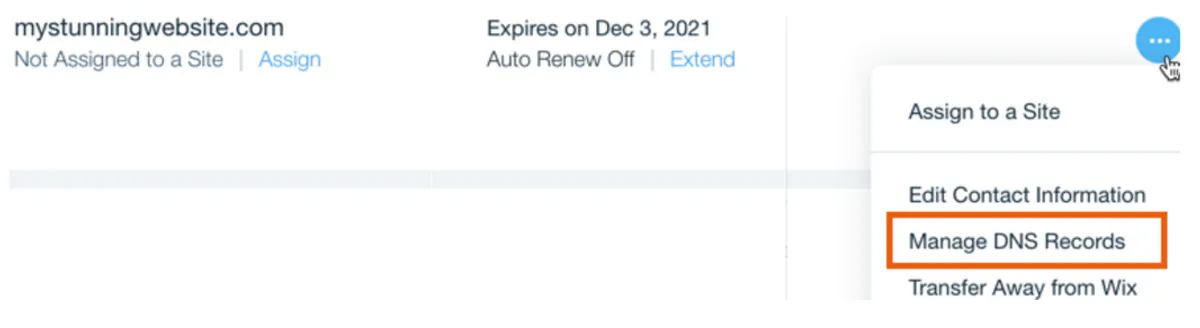
Click the Domain Actions icon next to your domain.
Select Manage DNS Records.
Create an empty hostname record with an address: 15.204.232.177 (A) record,

Ensure that only one A record exists.
Go to your Instago project dashboard, click Manage Domain
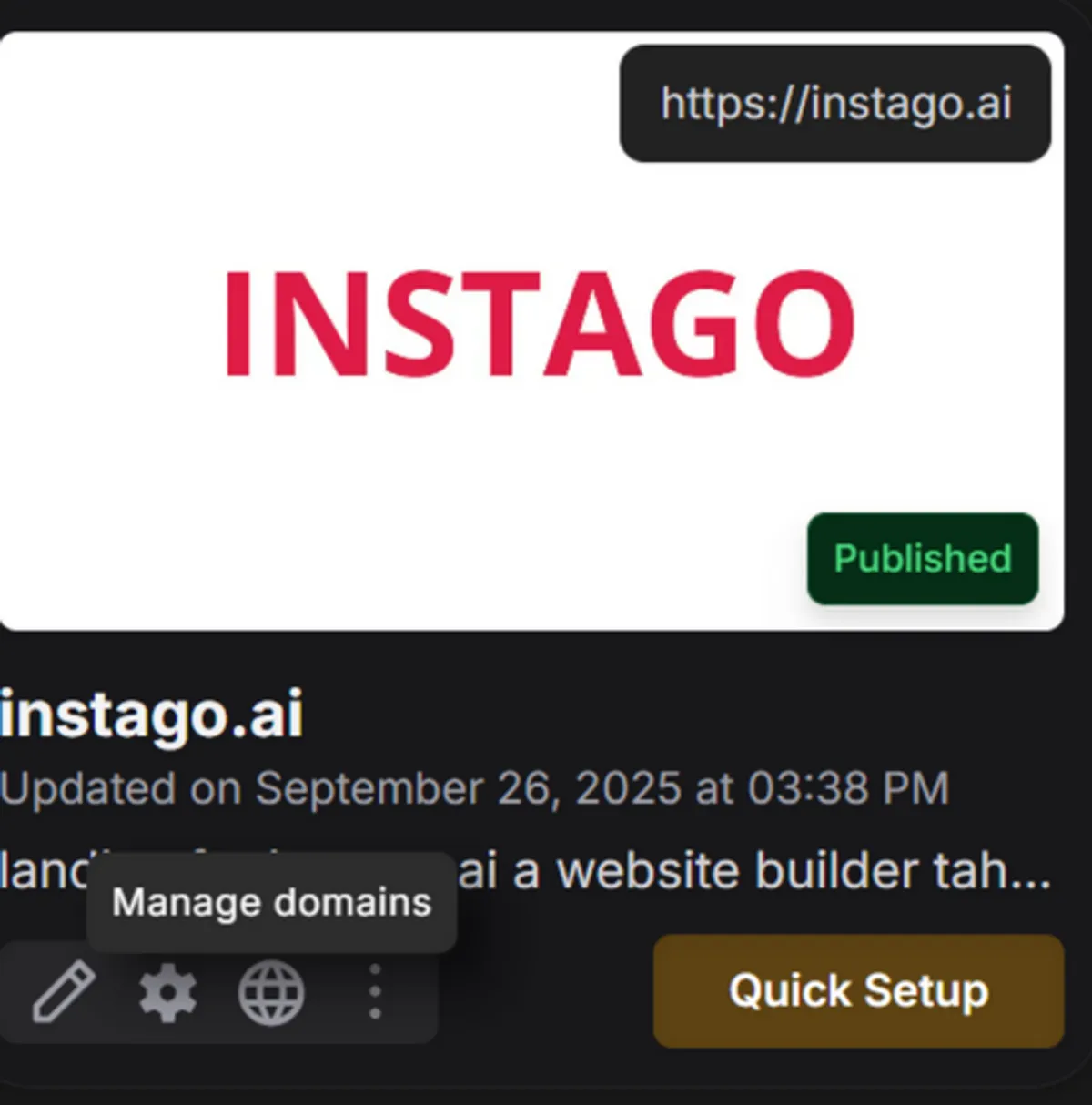
Then Attach your domain by typing the domain name.

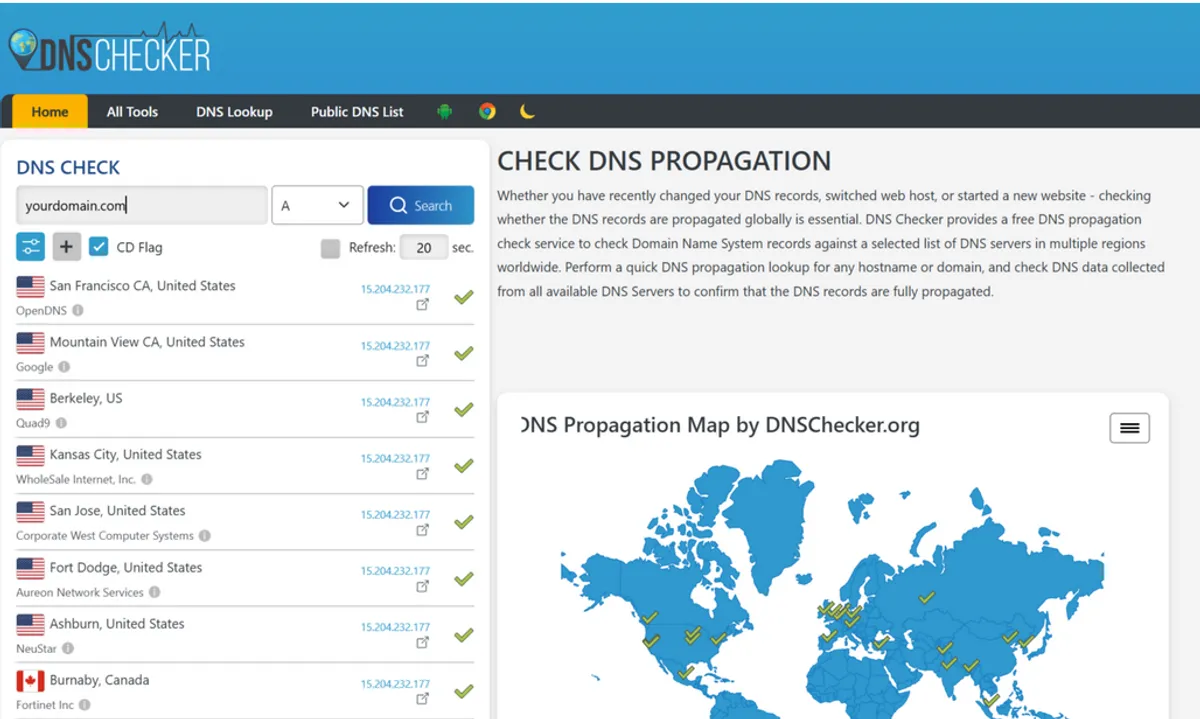
Go to https://dnschecker.org/and type your domain name to check that your DNS is set up correctly and points to our server.
Below some an example of correct output.